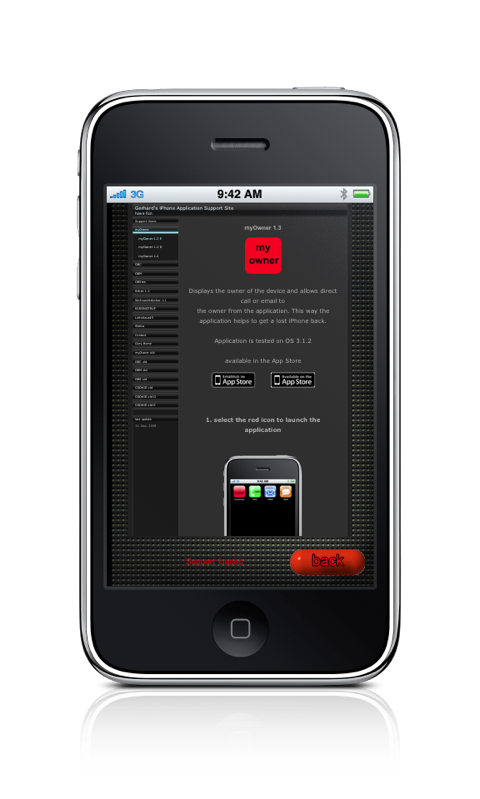
myOwner 1.3
Displays the owner of the device.
You can use the device to direct call, email or SMS the owner
(direct calling and SMS are not supported on iPod).
The application helps to get a lost iPhone or iPod back soonest.
Application is tested on OS 3.1.2
available in the App Store

1. after installation select the red myOwner icon
2. now you see a message that this is the first start and that you should
enter owner credentials.
3. enter owner credentials (either enter the data into the
text fields or use the add contacts button to select the data
from your contacts)
don't use your mobile's number here !!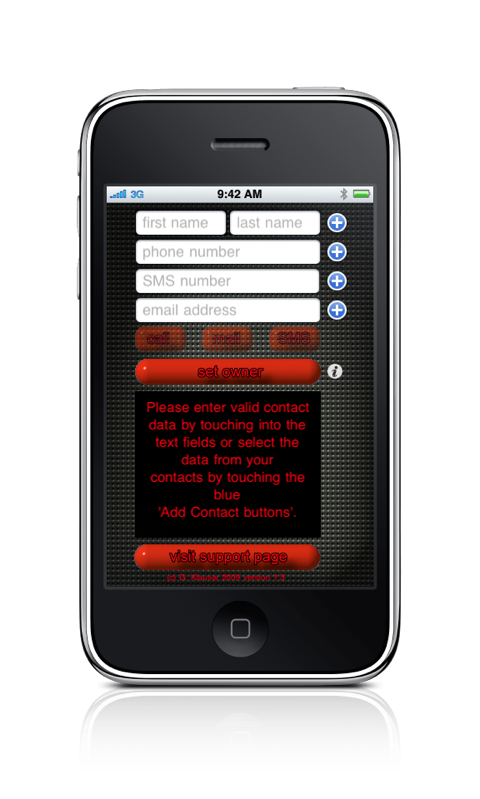
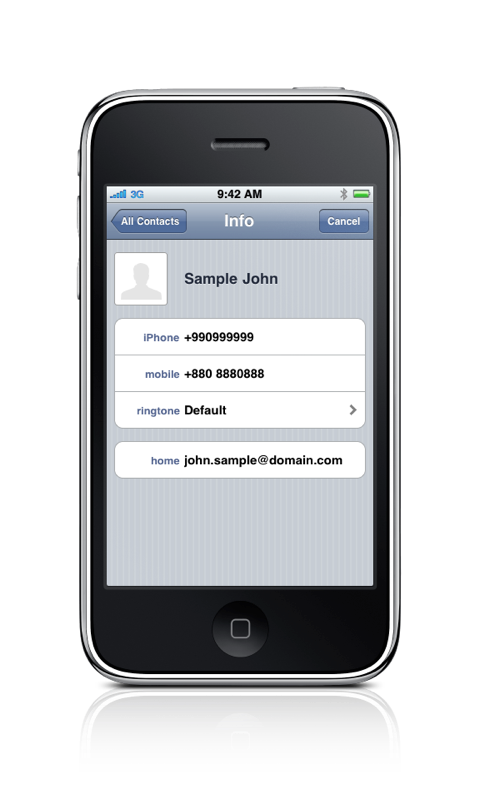
4. once completed press the
set owner button,
check all data and correct if necessary,
afterwards quit the application using the
home button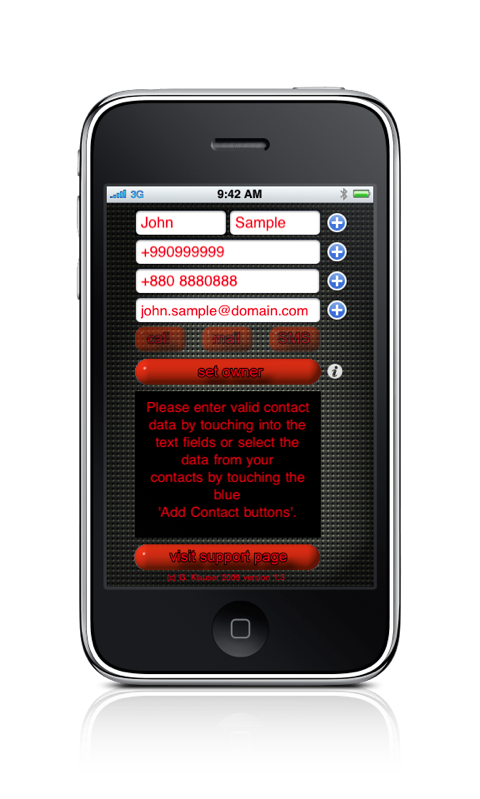
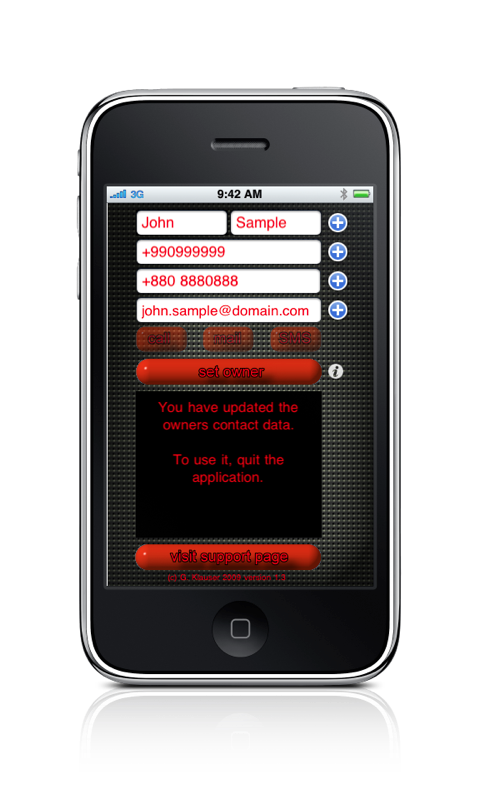
5. after the next launch the application displays the owner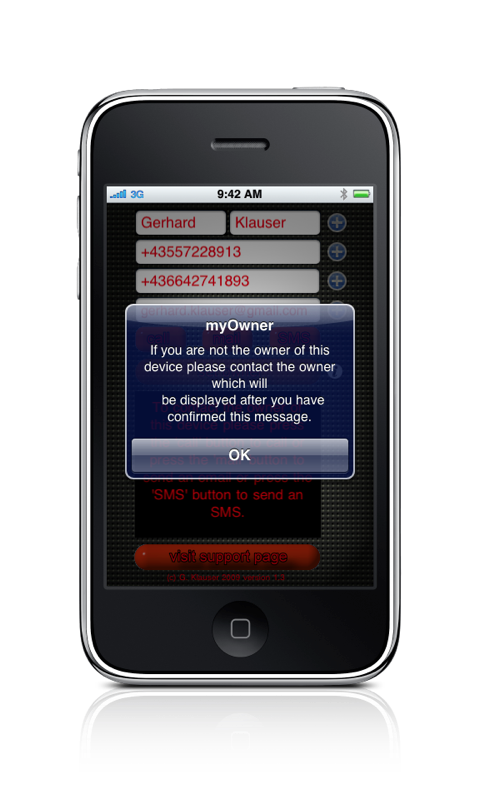
6. now you either can call, email or SMS the owner,
by pressing the corresponding button.
On iPod the call and SMS button will not work.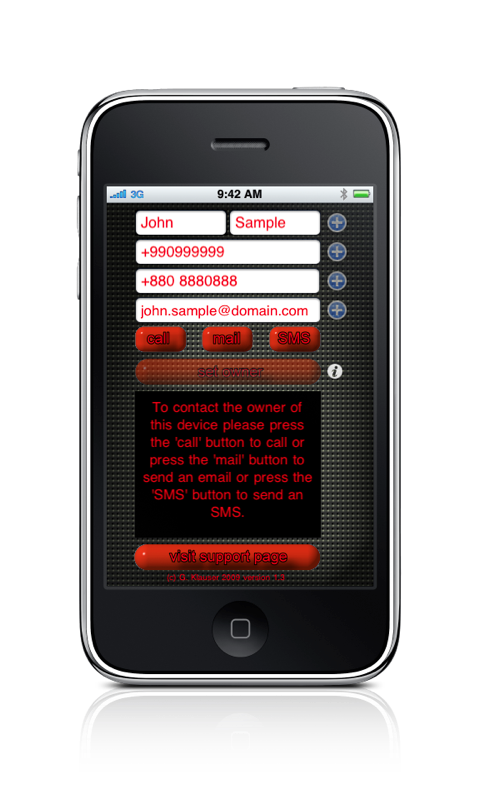
7. to set a new owner you have to go to the system settings
and select myOwner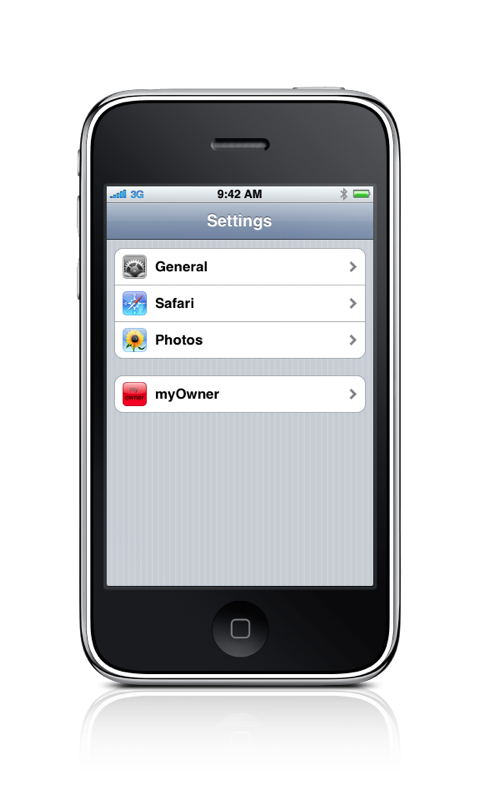
8. change the
Reset button
from OFF to ON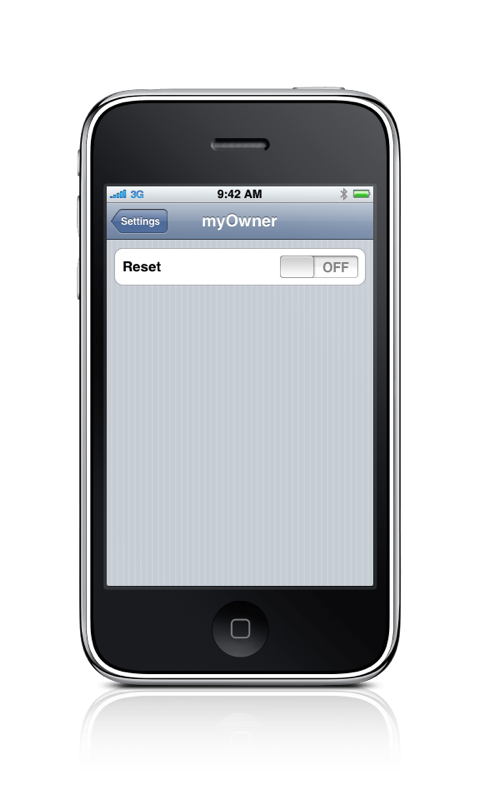
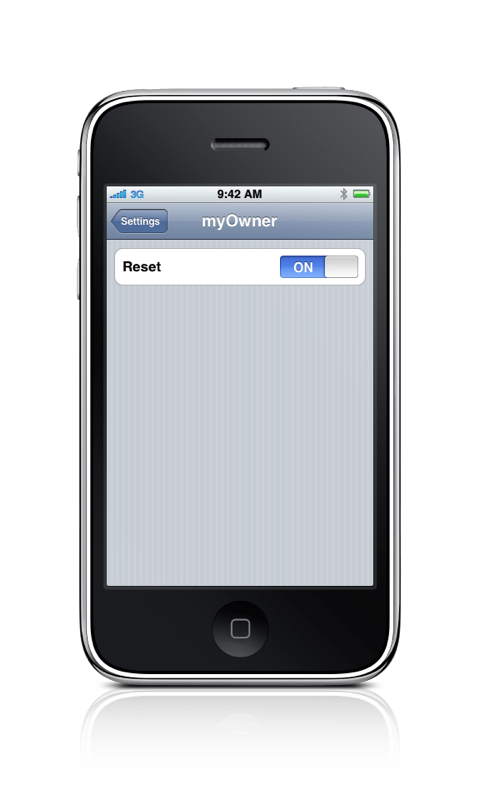
9. at the next start you will be able to set a new owner
10. the application has an Info Screen which can be accessed
using the
info button
11. as well as a built in browser to access this support page